 Brampton Road, St Albans, Hertfordshire AL1 4PR |


Catering
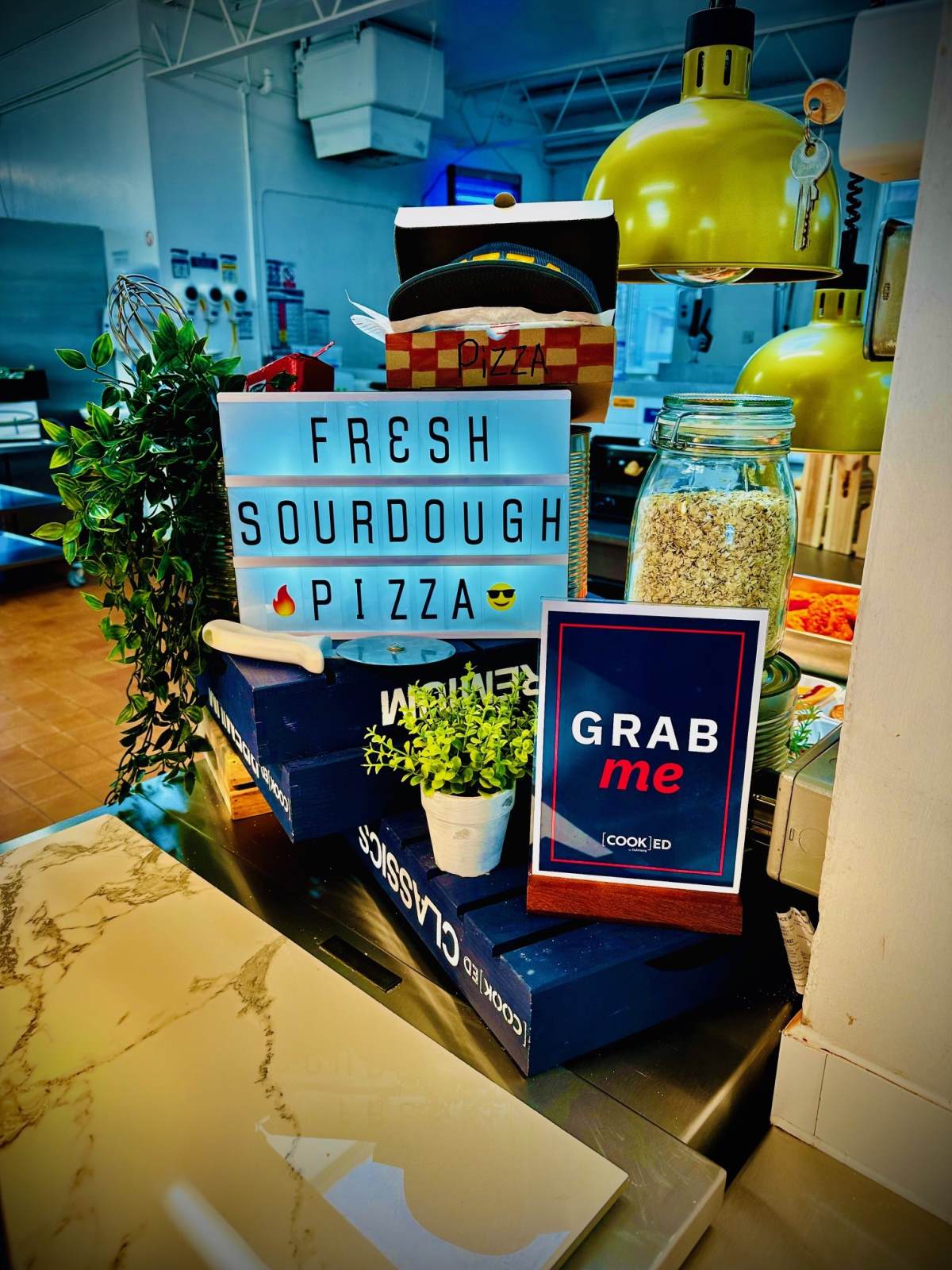
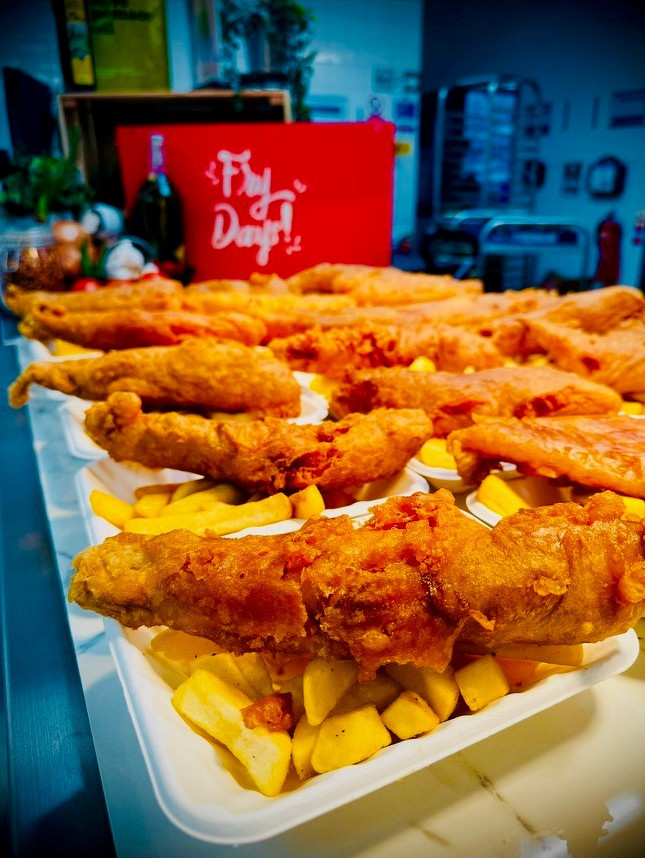
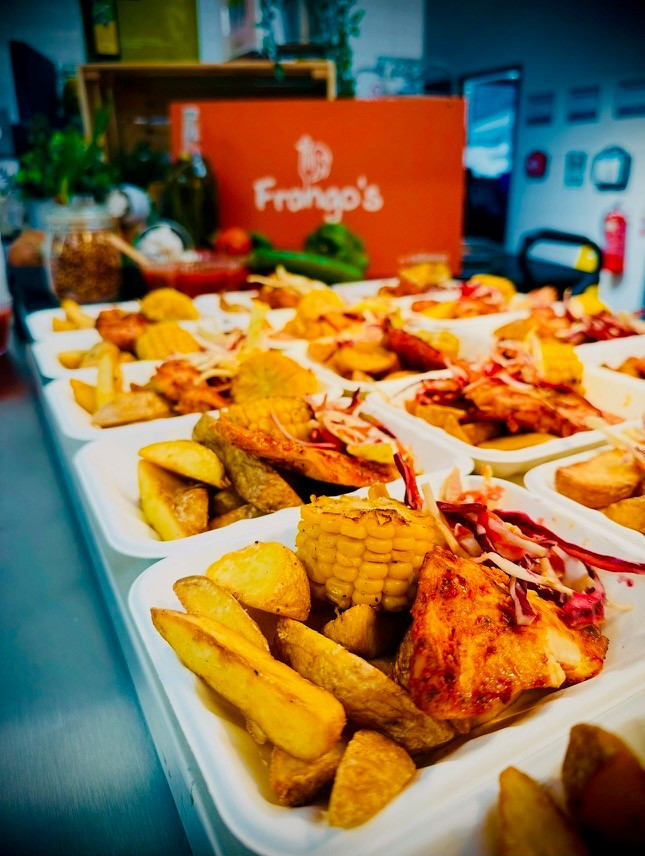
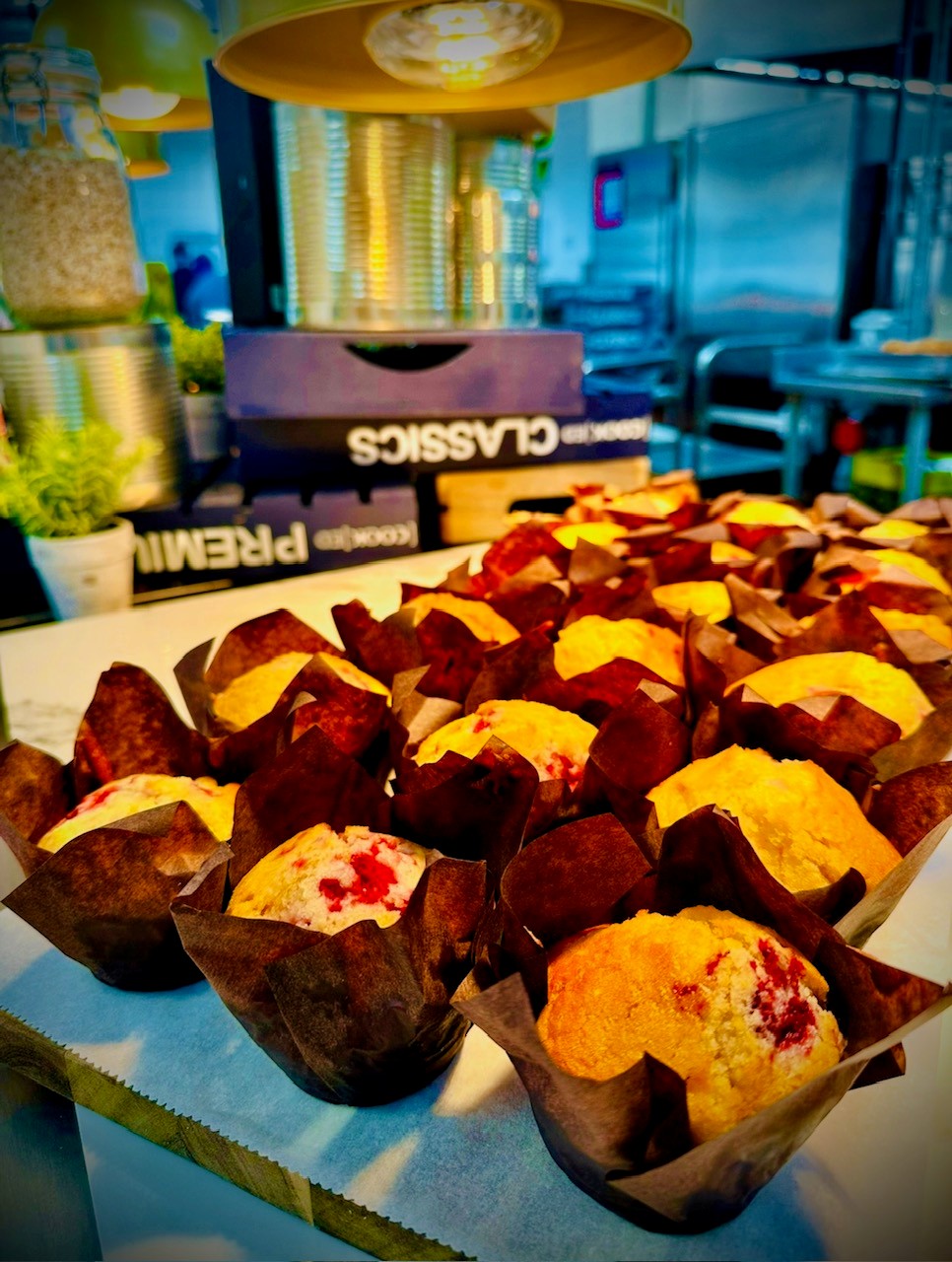
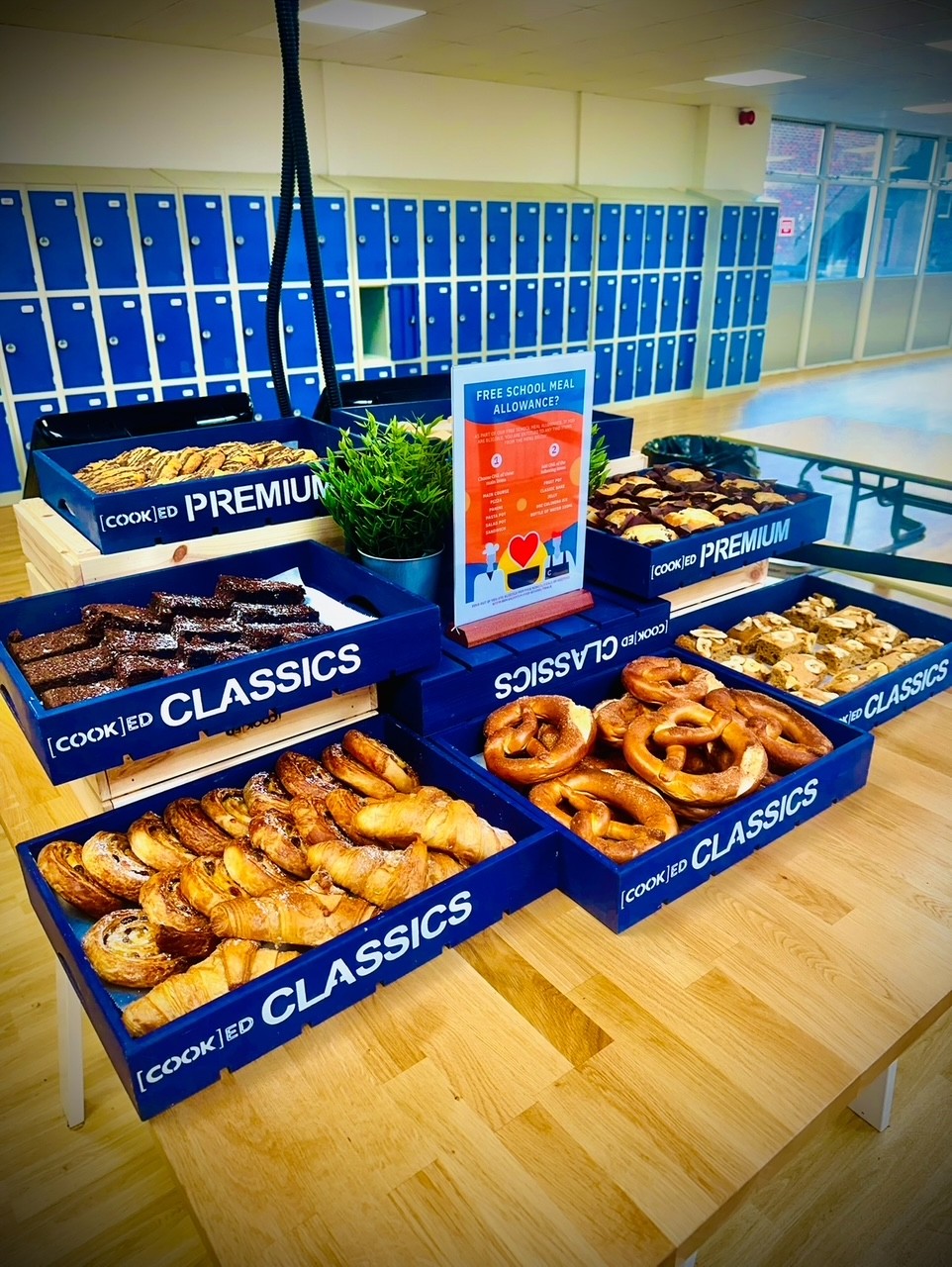
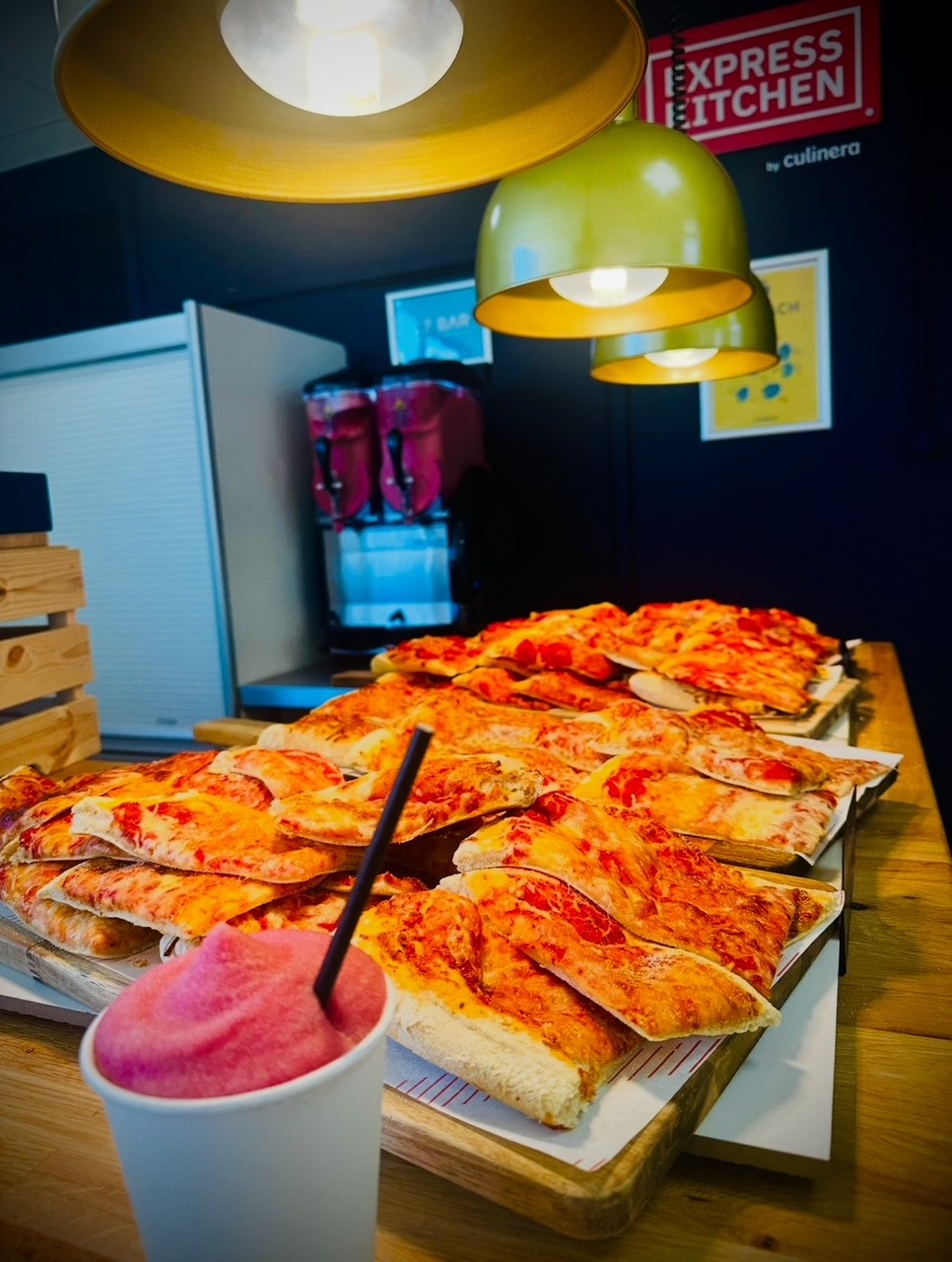
Verulam School has four catering outlets providing a range of hot and cold food options which are freshly cooked each day.
Breakfast, break and lunch are catered for and provided in the main restaurant, express kitchen, Year 7 pod or the dedicated café for our sixth form.
The award winning Culinera is the chosen catering provider for Verulam; the newest and freshest independently owned, education focused caterer in the South of England. They are passionate about serving fresh, high quality and locally sourced ingredients in our meals.
Click here for more information on Menus, Tariffs and more!
Allergen and dietary information
The school’s catering team has a comprehensive allergen matrix available for students to view on request. There are also signs in the canteen about allergen information. We ask that students speak to the catering manager or a catering team member if they have any questions about the food or if a dietary option has run out.
Food is labelled if it is Halal, vegetarian, vegan and gluten free.
Opening times
The Verulam School restaurant is open daily before school, at break time and lunchtime.
Breakfast: 8.00 – 8.40am
Break: 11.00-11.20am
Lunch: 1.20 – 2.10pm
The Sixth Form Café is open 11.00-1120 and 13.20-14.10 for lunch.
We encourage all families who think their child may be eligible for free school meals to apply. Details of eligibility and the application process for free school meals are obtainable from the school office or an application can be made online. Simply click below for details.
Payment and biometrics
The catering payment system uses biometrics and students use their fingerprint to identify themselves to pay for their food and drinks. We do please ask that parents of students using the facility to keep accounts topped up in My Child At School – please go into the account section to top up dinner money. Your child will need sufficient credit on their account to make a purchase. Once you have topped up you will see a ‘dinner money balance’ next to the child’s name. (Please note, if you have more than one child, you will need to purchase credit for each of your children for them to be able to purchase meal items).
ApplePay, AndroidPay and card payments are accepted for Sixth Form, the main canteen and express kitchen.
This area will show all documents uploaded to the /docs/Catering folder.
FOLDER=Catering|sortorder=AZ|quantity=All|showicons=y|showyears=n|ShowDate=n|ShowSearch=n|layoutchoice=boxwithpreview
School Dinner Payments
Our Management Infomation System in School is called Bromcom. Please find below user information for parents and students;
For Parents:
In order to simplify our data systems in school we are looking to streamline the modules we use to one provider, Bromcom.
During the 2025 Summer Break we switched from ParentMail to Bromcom payments for school meals.
Many of you have already downloaded the MCAS Portal/App (My Child At School).
If this is the case you already have what is required in order to make Dinner Money payments for your son/daughter.
- Details of how to download the Bromcom ‘My Child at School’ App is below.
- The Bromcom App ‘My Child at School’ has all the details you need regarding your son/daughter’s education – ranging from Academic Reports to Attendance to Behaviour Logs.
- All online payments (Dinner Money, Trip Payments etc.).
We strongly advise and encourage as many parents/carers as possible sign up for the My Child at School App as this will be a key method of communication.
For Students:
- There is a dedicated Bromcom Student App that will allow them to see their timetables, homework and so on. Clicking this link will take you to a page that shows how to use a login into the Bromcom Student portal.
MyChildAtSchool (MCAS)
You can access the website here at MyChildAtSchool.
In order to login to MCAS portal you will need to have a valid email address registered with the school.
If you do not have a email registered with the school please contact the school office.
Once you have an email address registered with the school, you should have been sent an invitation via E-Mail. You can use this invitation for the first time you login.

On this page enter the school ID or the school postcode, your email, and the invitation code. Click redeem code and you will be taken to the next page.
The next page you will be asked to fill out a few details about yourself. Once those have been complete you will receive a confirmation email.
The next time you login all you need to enter is your school ID, username, and password.
For more detailed information please see the documents and links below:
How to use MCAS to Pay for School Dinners
Adding payments
Go to My Child>Dinner. The blue wallet at the top right of the Dinner screen displays the available Dinner Money balance. Click on the Add Dinner Money button. Enter Amount you would like to add to the dinner wallet and click Add to Basket.

Dinner>Add Dinner Money>Amount>Add to Basket
Once you have added it to the Basket, you will be taken automatically to the Shopping Basket screen where you can click Checkout. Select a Payment Option from the dropdown and click Next.
This will take you to the Order Summary screen to complete payment

-
MCAS-Parent-Guide
download_for_offline
download_for_offlineMCAS-Parent-Guide